SimpleApps Photos
Photo selling software for South African photographers: school photo days, events and photoshoots. Upload photos, tag them to children from a class roster or sort them into sets, and share a private gallery. Parents and clients choose their photos, pay online with PayFast and download straight away, so there are no EFTs to chase and nothing to reconcile by hand.
Visit SimpleApps Photos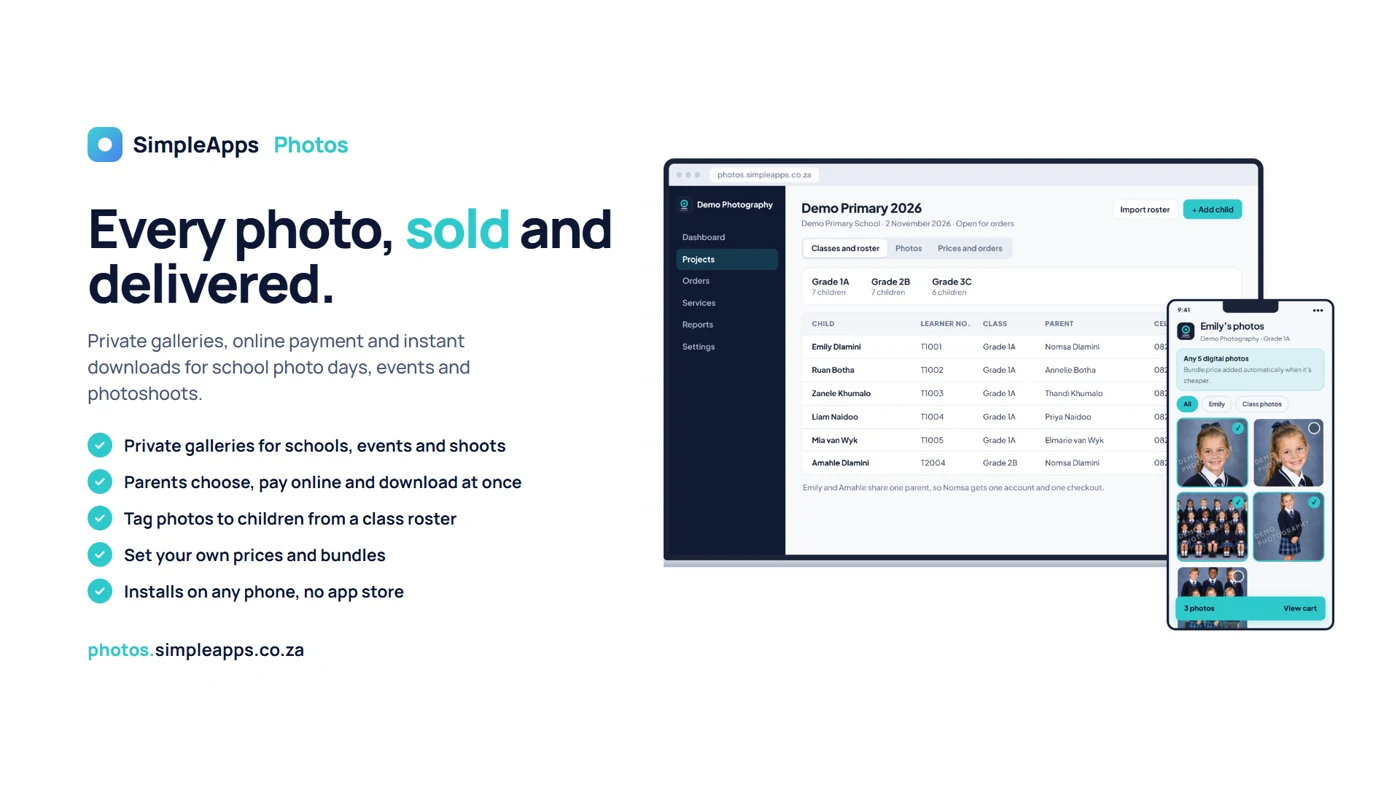
What SimpleApps Photos does
School photo days
Import a class roster, tag photos to children and send each parent a private link.
Events and photoshoots
Share a private gallery with sets, favourites and a download-all zip, with an optional PIN and expiry.
Online payment, instant download
Parents and clients pay online with PayFast and get a download email straight away.
Your own prices and bundles
Set your prices, and bundles such as any 5 digital photos, applied automatically when they are cheaper.
Orders in one place
See every order and whether it is paid, without reconciling EFTs by hand.
Your branding
Your logo, cover photo and colour on every gallery, and your business name as the watermark on previews.
Installable web app
Add it to a phone's home screen from the browser, with no app-store download.
SimpleApps Photos Pricing
Monthly plans by storage and team size, plus a flat 5% fee on each sale.
- Starter R49/month (20 GB, 1 person)
- Standard R149/month (100 GB, up to 3 people)
- Pro R399/month (500 GB, up to 10 people)
- 5% fee on each sale, on every plan
Questions people ask
How much does SimpleApps Photos cost?
Starter is R49/month (20 GB, 1 person), Standard R149 (100 GB, up to 3 people) and Pro R399 (500 GB, up to 10 people). Every plan has a flat 5% fee on each sale.
How do parents pay and get their photos?
A parent opens their private link, chooses photos, pays online with PayFast and gets a download email straight away.
Does it work for events and photoshoots, not just schools?
Yes. Events and shoots get a private gallery with sets, favourites and a download-all zip, with an optional PIN and expiry.
Do I need to download an app?
No. It installs on a phone's home screen from the browser, with no app-store download.